
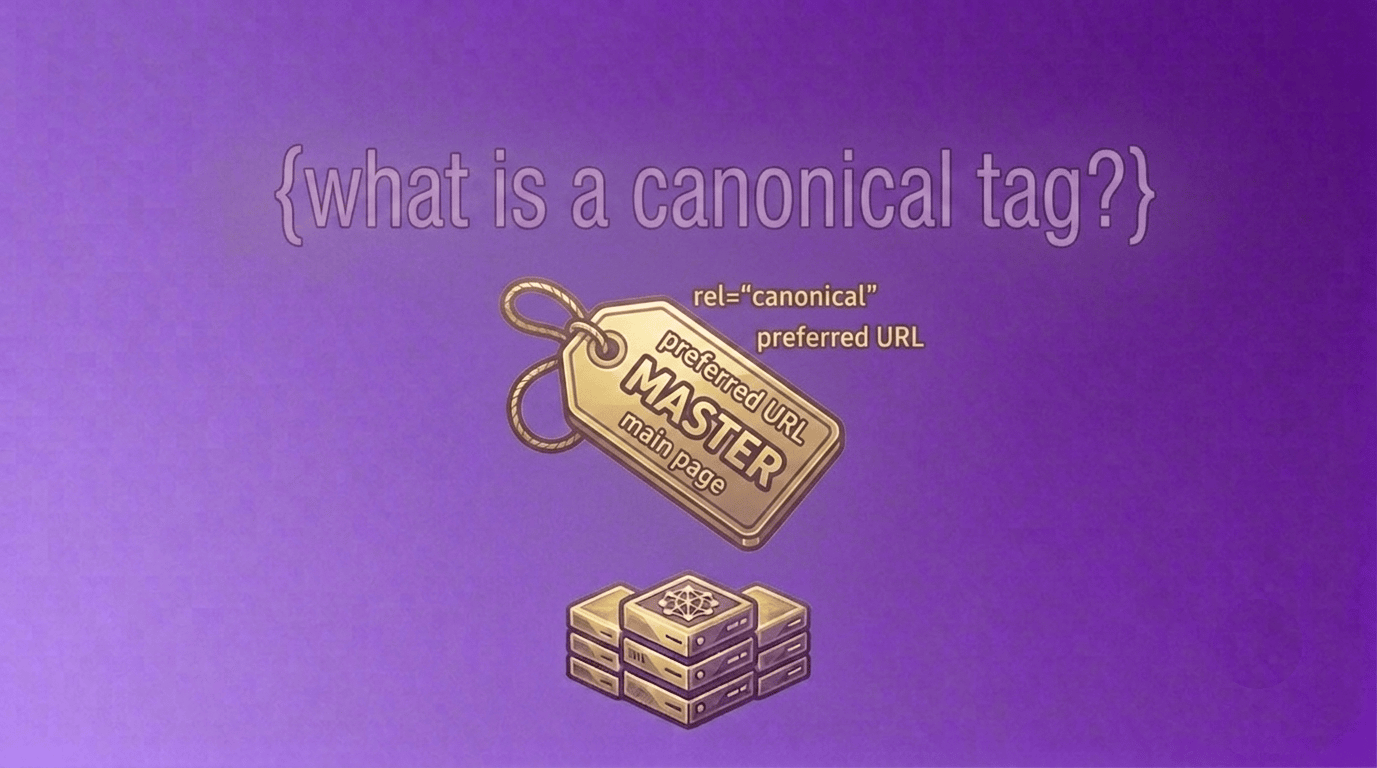
What Is a Canonical Tag Intro
A canonical tag is one of the most important technical SEO elements used to help search engines understand which version of a webpage should be treated as the primary version.
Many websites unintentionally create multiple URLs that contain similar or identical content and do know what is a canonical tag. When search engines find duplicate versions of a page, they may struggle to determine which URL should appear in search results. This can dilute ranking signals and create indexing issues.
A canonical tag helps solve this problem by telling search engines which URL is the preferred version of a page.
Whether you run a blog, e-commerce store, business website, or online tools platform, understanding what is a canonical tag and why it is important can help improve your technical SEO and indexing performance.
What Is a Canonical Tag?
A canonical tag is an HTML element that tells search engines which URL should be considered the main version of a page.
The canonical tag is placed inside the <head> section of a webpage and points to the preferred URL.
Example:
<link rel="canonical" href="https://example.com/page/" />In this example, the canonical tag tells search engines that:
https://example.com/page/is the primary version of the content.
A properly configured canonical tag helps search engines consolidate ranking signals and avoid duplicate content confusion.
You can quickly generate canonical tags using our Canonical Tag Generator.Why Is a Canonical Tag Important?
What is a canonical Tag, A canonical tag is important because it helps search engines understand which page should be indexed and ranked.
Without a canonical tag, duplicate or similar pages may compete with each other in search results.
Benefits of Using a Canonical Tag
Prevents Duplicate Content Issues
A canonical tag helps search engines identify the preferred version of content.
This reduces duplicate content problems across multiple URLs.
Consolidates Ranking Signals
Backlinks, authority, and ranking signals can be combined into a single preferred URL.
Improves Crawl Efficiency
A canonical tag helps search engines focus on the correct page version.
Supports Better Indexing
Search engines can more easily determine which page should appear in search results.
Improves Technical SEO
A properly implemented canonical tag is considered a technical SEO best practice.
Many website owners use canonical tags together with our Robots.txt Generator and XML Sitemap Generator.How Does a Canonical Tag Work?
A canonical tag acts as a recommendation to search engines.
When multiple pages contain similar content, the canonical tag indicates which page should receive primary SEO value.
For example:
https://example.com/productand
https://example.com/product?ref=facebookmay contain identical content.
By using a canonical tag, you can tell search engines that the first URL is the preferred version.
This helps avoid duplicate content confusion.
Canonical Tag Example
A basic canonical tag looks like this:
<link rel="canonical" href="https://example.com/page/" />Explanation
rel=”canonical”
Identifies the tag as a canonical reference.
href
Specifies the preferred URL.
Search engines use this URL when evaluating duplicate pages.
Common Situations Where Canonical Tags Are Used
A canonical tag is useful in several situations.
URL Parameters
Tracking parameters often create duplicate URLs.
Example:
example.com/page?utm_source=facebookA canonical tag helps point all variations to the main page.
E-Commerce Filters
Product filters can generate many duplicate URLs.
Canonical tags help search engines identify the primary product page.
HTTP and HTTPS Versions
If multiple protocol versions exist, a canonical tag can identify the preferred version.
WWW and Non-WWW Versions
A canonical tag helps consolidate authority between different URL versions.
Similar Content Pages
A canonical tag can help search engines understand which page should rank.
Canonical Tag vs Redirect
Many beginners confuse canonical tags and redirects.
Canonical Tag
A canonical tag tells search engines which version is preferred.
Users can still access all versions of the page.
Redirect
A redirect sends users and search engines directly to another URL.
The original page is no longer shown.
Both have different purposes and may be used together when appropriate.
You can check redirect behavior using our URL Redirect Checker.Canonical Tag vs Noindex
A canonical tag and noindex directive are also different.
Canonical Tag
Suggests which page should be treated as the primary version.
Noindex
Tells search engines not to index a page.
Example:
<meta name="robots" content="noindex">Understanding the difference between a canonical tag and noindex directive is important for technical SEO.
Common Canonical Tag Mistakes
Incorrect canonical tag implementation can cause SEO problems.
Missing Canonical Tags
Pages without a canonical tag may create duplicate content confusion.
Incorrect Canonical URLs
Pointing to the wrong URL can negatively impact indexing.
Multiple Canonical Tags
Only one canonical tag should be used per page.
Canonicalizing Unrelated Pages
A canonical tag should point to equivalent or highly similar content.
Broken Canonical URLs
Canonical tags should always reference valid URLs.
Canonical Tags and SEO
A canonical tag is an important technical SEO tool.
While a canonical tag does not directly improve rankings, it helps search engines:
- understand preferred URLs
- manage duplicate content
- consolidate ranking signals
- improve indexing efficiency
Technical SEO works best when canonical tags are combined with:
- XML sitemaps
- robots.txt files
- meta tags
- redirects
When Should You Use a Canonical Tag?
A canonical tag is useful for:
Blogs
Managing duplicate archive and category URLs.
E-Commerce Websites
Handling filtered product URLs and duplicate product variations.
Business Websites
Managing URL parameters and marketing tracking links.
Large Websites
Improving indexing consistency across thousands of pages.
Use Our Canonical Tag Generator
Creating a canonical tag manually can be confusing for beginners.
Our free Canonical Tag Generator helps users:- generate canonical tags
- avoid duplicate content issues
- improve technical SEO
- create SEO-friendly page markup
quickly and easily.
Frequently Asked Questions
What is a canonical tag?
Acanonical tag is an HTML element that tells search engines which version of a page should be treated as the primary version.
Why is a canonical tag important?
A canonical tag helps prevent duplicate content issues and consolidates ranking signals.
Where is a canonical tag placed?
A canonical tag is placed inside the <head> section of a webpage.
Does a canonical tag improve SEO?
A canonical tag supports technical SEO by helping search engines understand preferred URLs.
Should every page have a canonical tag?
Most websites benefit from having a canonical tag on important pages.
Conclusion for What Is a Canonical Tag
A canonical tag is one of the most important technical SEO elements for managing duplicate content and helping search engines understand preferred URLs. By implementing a canonical tag correctly, website owners can improve crawl efficiency, consolidate ranking signals, and support better indexing.
Whether you manage a blog, online store, business website, or tools platform, understanding what is a canonical tag and why it is important can help strengthen your technical SEO foundation.
When combined with XML sitemaps, robots.txt files, and meta tags, a canonical tag becomes a valuable part of a well-optimized website now you should understand what is a canonical tag .
Related Tools
- Canonical Tag Generator
- XML Sitemap Generator
- Robots.txt Generator
- Meta Tag Generator
- URL Redirect Checker
Related Articles
- What Is Robots.txt and Why Is It Important?
- What Is XML Sitemap and Why Is It Important?
- What Are Meta Tags in SEO?
About the Author
Last updated: June 2026